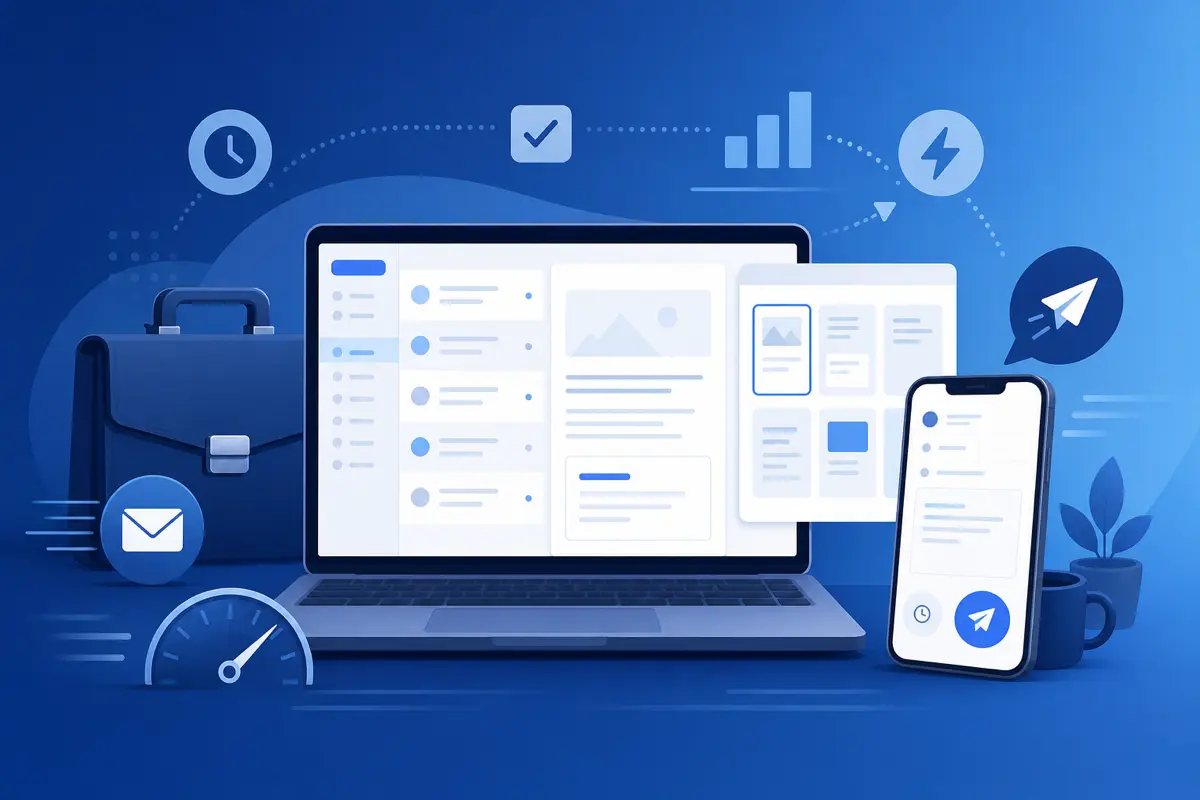
Busy professionals do not have a different inbox — they have less time to stare at a blank compose window. The ones who stay responsive without sacrificing their calendar use systems: short templates, mobile-friendly sends, and zero repeated typing. QwicMailer is built for that pace.
The executive email trap
Between meetings, you answer email on your phone with thumbs and good intentions. Half-finished drafts pile up. Follow-ups slip because rewriting the same paragraph feels like too much effort at 9 PM.
Templates collapse that effort to a template pick and a ten-second preview edit.
Five templates every busy professional needs
 Templates
Build these in Templates (/dashboard/templates):
- Scheduling — propose times without retyping availability
- Follow-up — nudge without sounding pushy
- Introduction — warm handoffs in three sentences
- Thank-you — post-meeting gratitude with next steps
- Delegation — clear asks to your team
Create them once: how to create email templates in Gmail.
Send between meetings with Quick Send
Quick SendQuick Send (/dashboard/quick-send) on mobile or desktop: select template → recipient → preview → send. No Gmail compose, no lost drafts.
Example delegation template:
Email preview
{{task}} — can you take this?
From: you@gmail.comTo: {{first_name}}@company.comHi {{first_name}}, Could you handle {{task}} by {{deadline}}? Context: {{brief_context}}. Ping me if you need anything from my side. Thanks, {{your_name}}
Reply from Inbox without opening Gmail
InboxInbox (/dashboard/inbox) keeps thread context visible. Reply with a template, adjust one line, send — ideal when you have ninety seconds before your next call.
Connect Gmail once; send everywhere
DashboardSign in on laptop, connect Gmail on Dashboard, and your library follows you to phone and tablet. Setup walkthrough: enable templates in Gmail.
Onboard in fifteen minutes
New to QwicMailer? The Gmail templates beginners guide covers sign-in, first template, and first send — enough to survive a packed week.
Conclusion
Busy professionals send emails faster by refusing to rewrite the same messages. QwicMailer templates plus Quick Send and Inbox replies fit between meetings, not after them. Start free with QwicMailer.
Frequently asked questions
They template recurring messages — delegations, thank-yous, meeting confirmations — and send via Quick Send or Inbox in under a minute between meetings.

Gmail Productivity Coach
David shares practical Gmail tips, shortcuts, and inbox habits to help professionals reclaim their time.
9 articles on QwicMailer
Stop rewriting emails.
Start sending smarter.
Create reusable templates, personalize every email, and send everything from your connected Gmail account.
No credit card required