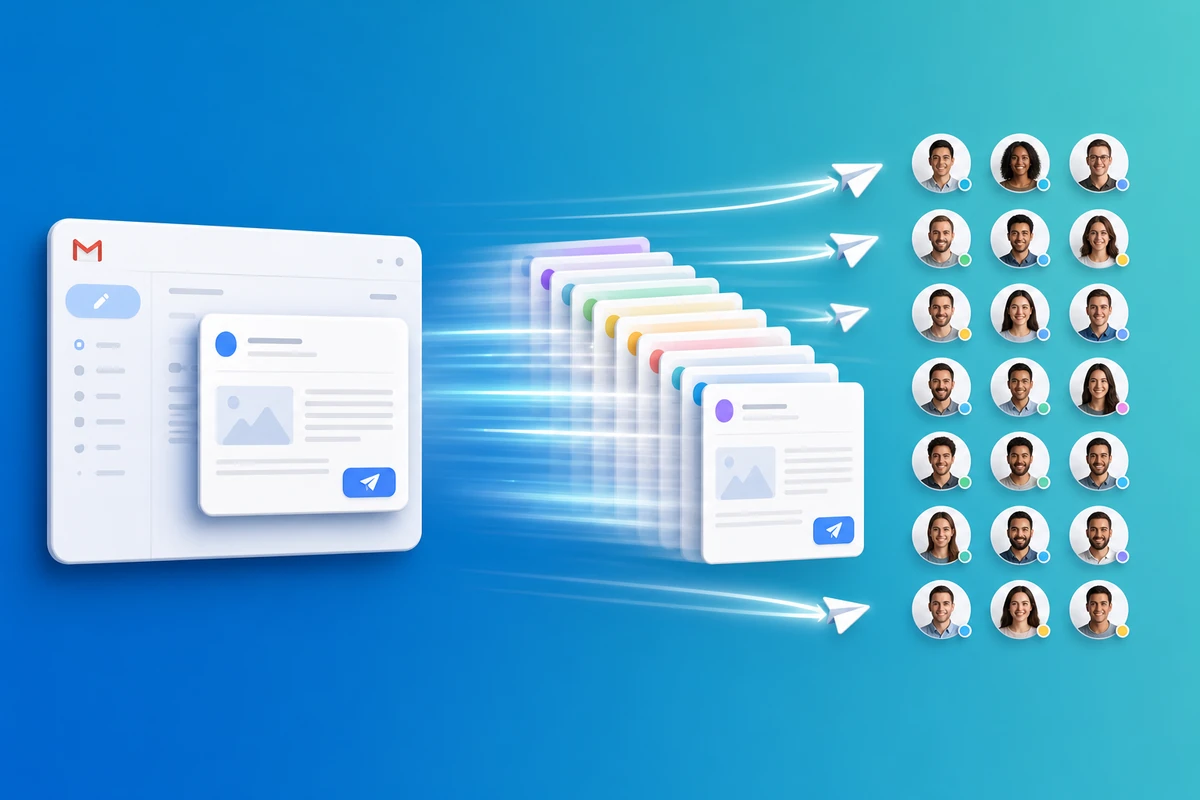
Need to send the same email to 25 people from Gmail — but with each person's name and details filled in? QwicMailer bulk Quick Send lets you reuse one template, personalize every message, and deliver from your real inbox without copy-paste or a newsletter platform.
Why not BCC or copy-paste?
BCC hides personalization and feels impersonal. Copy-pasting 25 times invites wrong names and wasted hours. Lightweight email campaigns from Gmail work best when you reuse same email again with variables — not when you retype the body 25 times.
Step 1: Create or pick a template
Build a template with merge fields like {{first_name}}, {{company}}, and {{topic}}. If you are new, create a Gmail template in 2 minutes first.
Step 2: Add up to 25 recipients
 Quick Send
- Open Quick Send and switch to Bulk mode.
- Paste addresses or pick from Contacts — manage email contacts with tags and CSV import.
- Select up to 25 total recipients (manual + contacts).
Step 3: Preview and send personalized bulk email
Review the live preview for each recipient. When ready, start the send. QwicMailer processes messages in the background; you can return to Dashboard to watch progress.
Each recipient gets a one-to-one email from your Gmail — email without copy paste, with their name in the opener.
Track who opened my email
After sending, open Sent Emails and Analytics to see delivered, opened, and bounced status. Email open tracking Gmail helps you follow up only when it makes sense — not on guesswork.
Respect Gmail limits
Google applies daily sending limits by account type. QwicMailer also enforces product quotas on the free plan. Stay within both — quality personalized sends beat volume spikes.
Conclusion
Sending the same email to 25 people from Gmail is a template + bulk Quick Send workflow: personalize with name, send from inbox, track opens. Start free with QwicMailer.
Frequently asked questions
Yes — when each message is personalized with merge fields and sent one-to-one from your Gmail address. QwicMailer fills {{first_name}} and other variables per recipient instead of one generic blast.

Gmail Productivity Coach
David shares practical Gmail tips, shortcuts, and inbox habits to help professionals reclaim their time.
9 articles on QwicMailer
Stop rewriting emails.
Start sending smarter.
Create reusable templates, personalize every email, and send everything from your connected Gmail account.
No credit card required