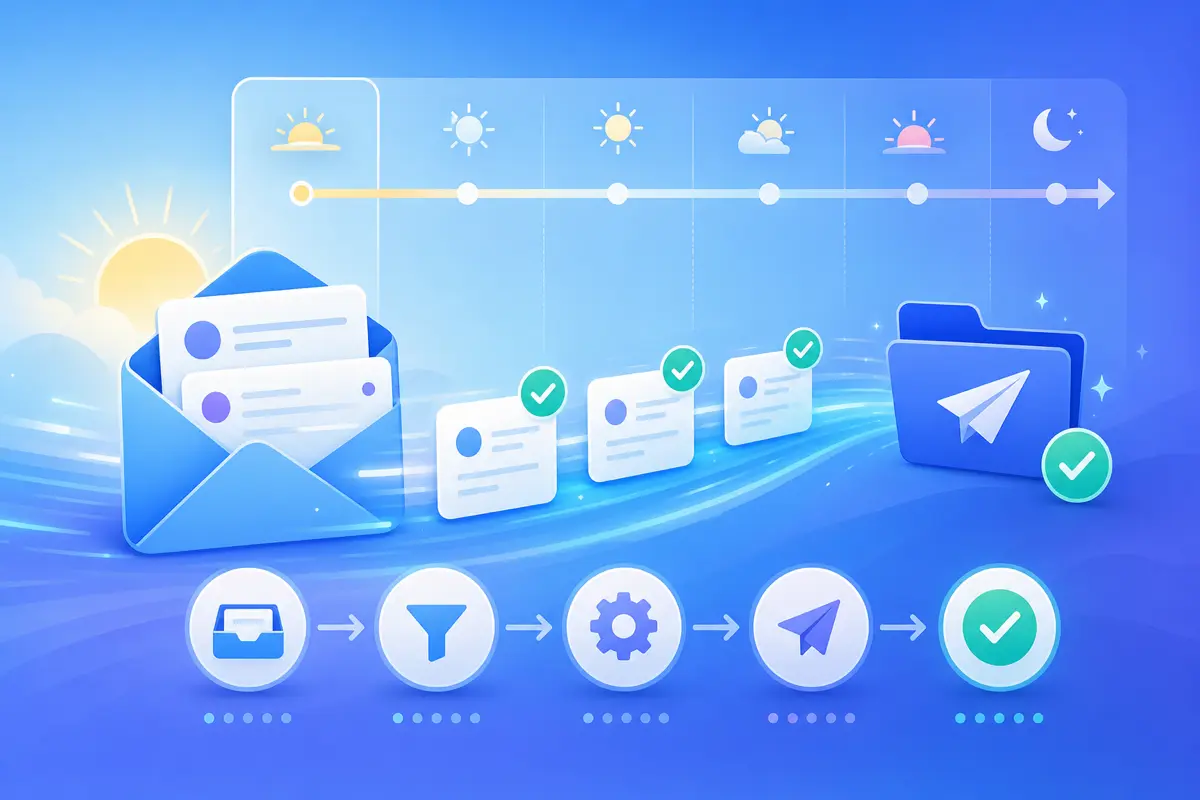
A faster daily email workflow is not about checking inbox less — it is about removing friction from the sends you repeat every day. QwicMailer gives you a single workspace for templates, Inbox replies, Quick Send, and contacts so you stop bouncing between Gmail compose, Docs, and memory.
Audit one day of email
Track every message you write tomorrow. Mark which ones shared 80% of the same text. Those marks become your template roadmap. Most professionals find five to eight patterns cover the majority of daily volume.
Morning: connect and triage
 Dashboard
Start on Dashboard — confirm Gmail is connected (Profile → Gmail access if not). Open Inbox (/dashboard/inbox) and sort by urgency. Reply-first on anything that matches a saved template; defer complex threads to a focused block later.
First-time setup: how to enable templates in Gmail.
Midday: batch outbound with Quick Send
Quick SendBlock thirty minutes for outbound: follow-ups, scheduling, intros. Quick Send (/dashboard/quick-send) with pre-built templates clears the queue without context-switching into blank compose windows.
Keep templates findable
TemplatesA slow library kills workflow gains. Use categories, consistent prefixes, and monthly cleanup. Full system: how to organize Gmail templates.
Contacts power daily personalization
ContactsContacts — variables pull from here at send time.
Maintain Contacts (/dashboard/contacts) with names, companies, and custom fields. Daily sends stay personal without manual editing.
End of day: template maintenance
Skim Sent Emails (/dashboard/sent-emails). Any message you would send again tomorrow belongs in Templates. Paste, variable-ize, save — five minutes now saves thirty tomorrow.
Daily workflow template example
Email preview
Re: {{subject_line}}
From: you@gmail.comTo: {{first_name}}@company.comHi {{first_name}}, Thanks for your note. {{response_body}} Let me know if you need anything else. Best, {{your_name}}
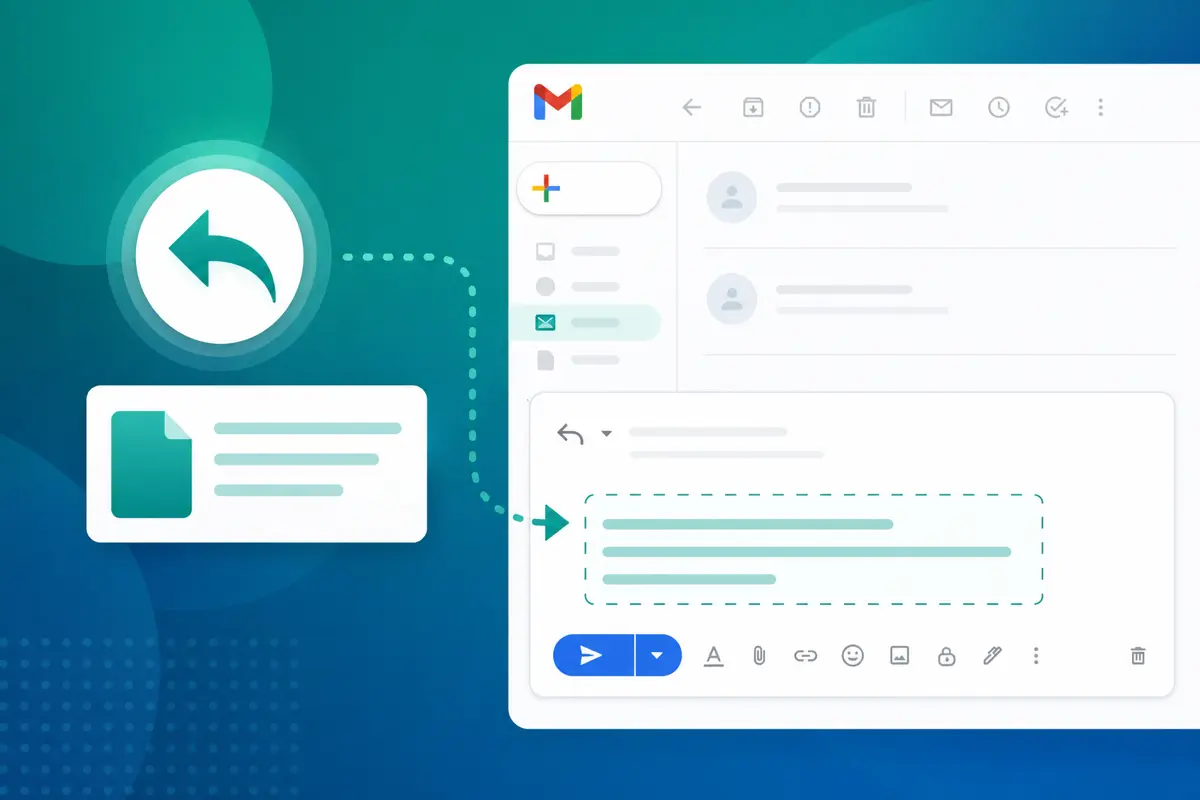
Use in Inbox for standard daily replies — details in insert template in Gmail reply.
Conclusion
Speed up your daily email workflow by triaging in Inbox, batching outbound in Quick Send, and maintaining a lean template library with contacts behind the variables. Try QwicMailer free and run this routine tomorrow.
Frequently asked questions
Triage Inbox first, reply with templates for common requests, batch outbound through Quick Send, and end with a quick Sent Emails review for new template candidates.

Recruitment Communications Lead
Sarah covers hiring emails, candidate outreach, and recruiter workflows that get faster responses.
5 articles on QwicMailer
Stop rewriting emails.
Start sending smarter.
Create reusable templates, personalize every email, and send everything from your connected Gmail account.
No credit card required