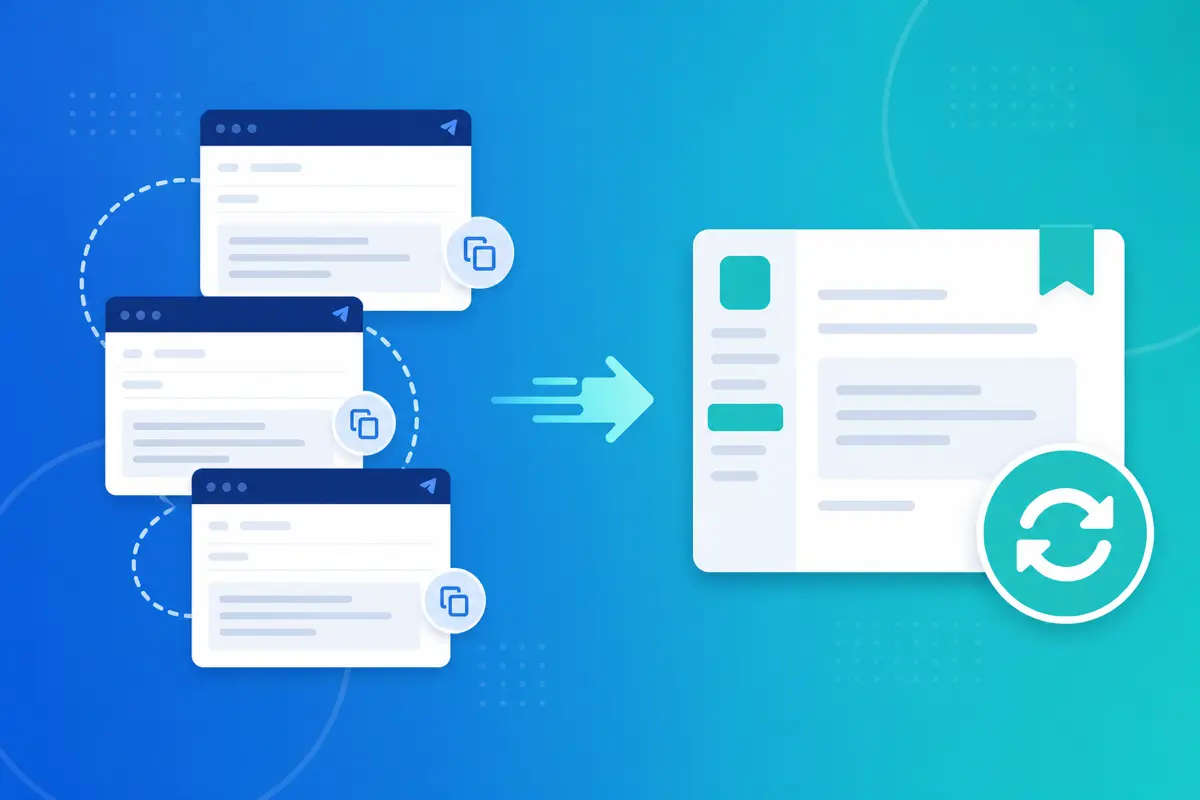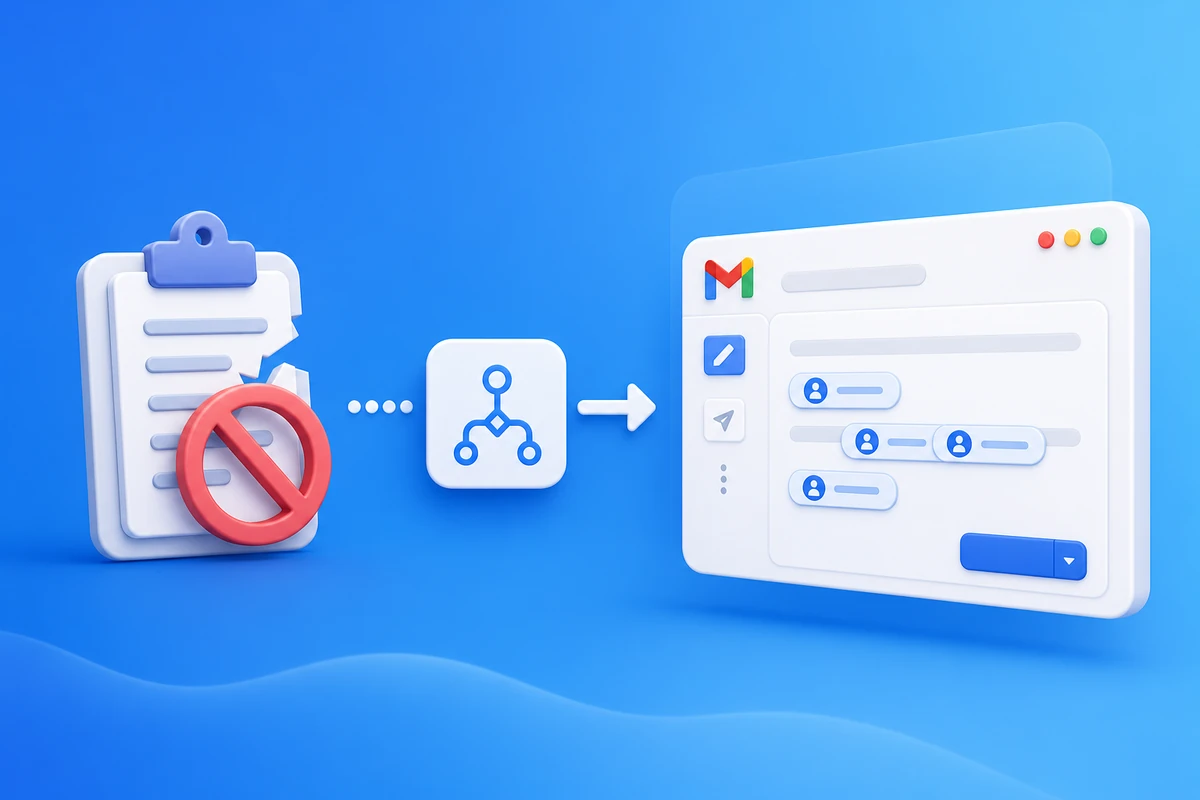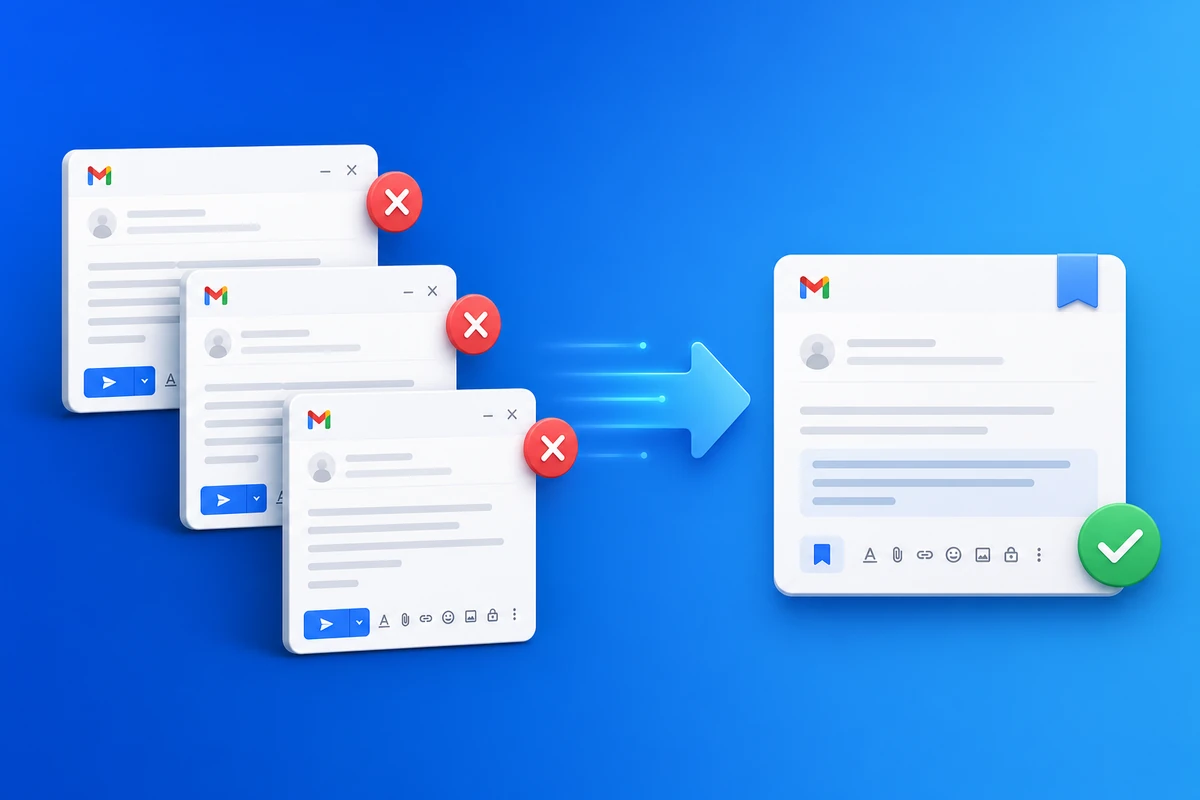
If you stop rewriting business emails every day, you reclaim hours without working longer. The fix is not typing faster — it is a repeat business email workflow: save proven messages once in QwicMailer, personalize email with name, and send mail from gmail inbox in seconds.
The daily rewrite trap
Follow-ups, intros, check-ins, and support replies share the same skeleton. Rewriting from scratch feels productive but costs 5–15 minutes per message. Ten repeats per day is more than an hour gone.
Step 1: Audit one week of Sent mail
Open Gmail Sent or QwicMailer Sent Emails. Highlight messages you sent more than twice. Those are template candidates — not one-off exceptions.
Step 2: Save templates with merge fields
 New template
For each repeat message:
- Copy subject and body into Templates.
- Replace static names with
{{first_name}}and{{company}}. - Categorize (Sales, Support, Recruiting) so you find copy fast.
Create your first template in 2 minutes if you are new.
Step 3: Send via Quick Send — email without copy paste
Quick SendOpen Quick Send, pick the template, choose recipients, preview, send. You reuse same email again with accurate personalization — no Notes app, no old-thread scavenging.
Step 4: Measure the win
Track how many sends use templates vs. blank drafts. Most teams hit 70%+ templated repeat email within two weeks.
When a template is not enough
Keep blank compose for truly novel negotiation or sensitive one-offs. Templates win on volume work — not every message.
Conclusion
Stopping daily rewrites means templates + Quick Send + merge fields. Start free with QwicMailer and template your top three emails this week.
Frequently asked questions
Without a template library, people rebuild structure from memory or hunt old Sent threads. Each send feels new even when the content is 90% identical.

Gmail Productivity Coach
David shares practical Gmail tips, shortcuts, and inbox habits to help professionals reclaim their time.
9 articles on QwicMailer
Stop rewriting emails.
Start sending smarter.
Create reusable templates, personalize every email, and send everything from your connected Gmail account.
No credit card required