If you have ever thought "I know I wrote this exact email last week," you are paying a rewrite tax on every repeated message. QwicMailer stops that cycle by turning proven emails into reusable templates you send from Gmail without starting over.
The rewrite tax on repeated messages
Support acknowledgments, meeting reschedules, pricing follow-ups, candidate rejections — these emails repeat with tiny variations. Rewriting them from memory is slow; copying from old Sent threads is fragile (wrong name, broken formatting, outdated details). Both habits waste time and invite mistakes.
The fix is not typing faster. It is never typing the same message twice.
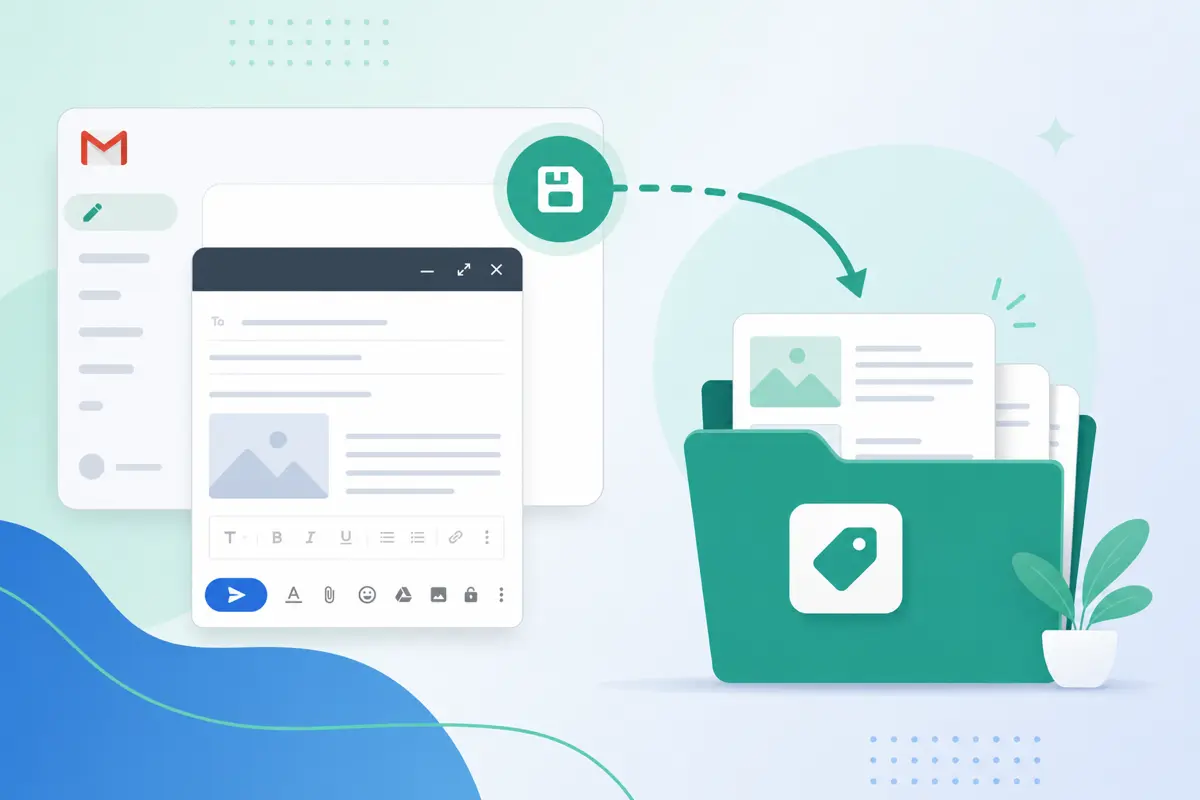
Capture what you already send
 Sent Emails
Sent Emails — find messages worth saving as templates.
- Open Sent Emails (
/dashboard/sent-emails) or Gmail Sent. - Find an email you have sent three or more times.
- Copy subject and body into Templates → New template.
- Replace names and dates with variables; click Save.
Detailed steps: how to save an email as a template.
Build your repeat-message library
TemplatesGroup templates by how often you use them:
- Daily: support replies, scheduling confirmations
- Weekly: follow-ups, check-ins, status updates
- Occasional: intros, thank-yous, policy explanations
Use categories in Templates (/dashboard/templates) so repeated messages are one filter away.
Send repeated messages without rewriting
Quick SendQuick Send (/dashboard/quick-send): pick template → add recipient → preview → send. Variables handle personalization; you only adjust lines that truly need context.
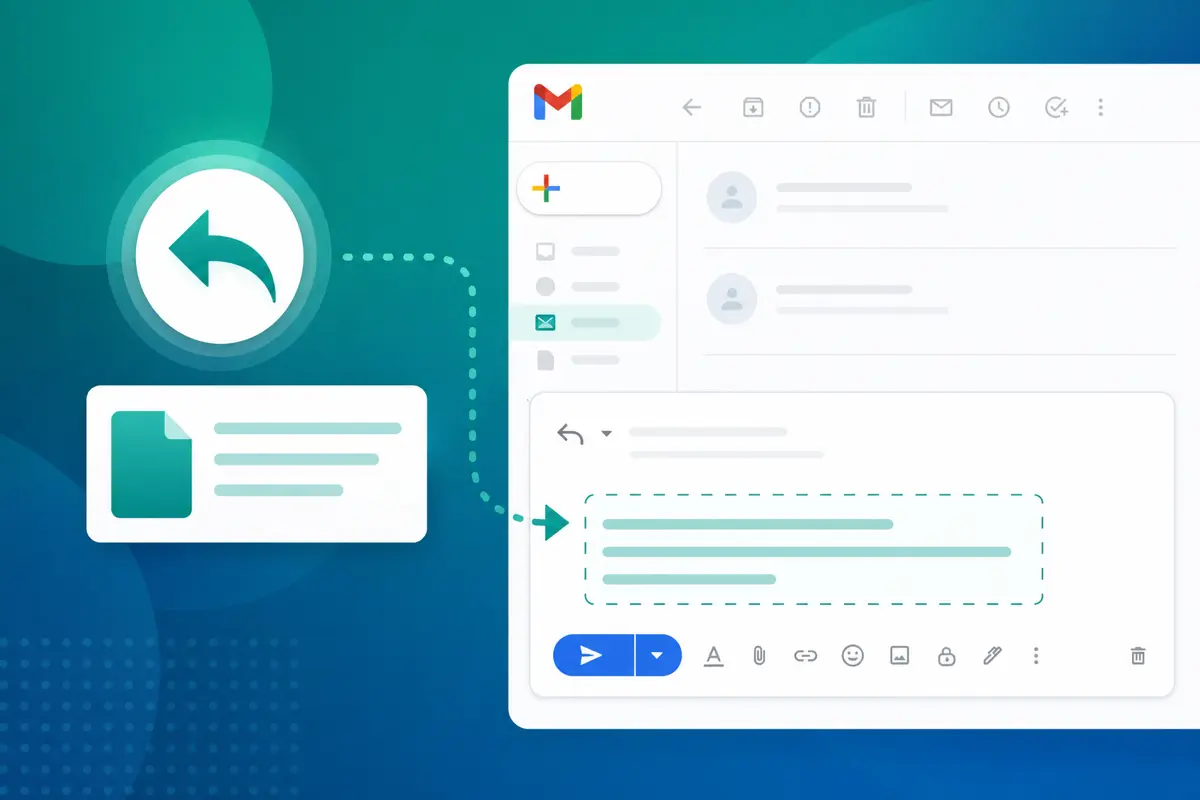
For thread replies, use Inbox (/dashboard/inbox) and insert the same template — see insert template in a Gmail reply.
Example: support acknowledgment you will never retype
Email preview
Re: {{ticket_subject}}
From: you@gmail.comTo: {{first_name}}@company.comHi {{first_name}}, Thanks for reaching out. I have received your message about {{issue_summary}} and am looking into it now. I will follow up within {{response_window}} with an update. Best, {{your_name}}
Save once. Send every time someone opens a similar ticket.
Canned responses without the clutter
QwicMailer gives you the spirit of canned responses — instant reuse — with search, categories, variables, and rich formatting in the Template Editor. For a full comparison, read our Gmail canned responses guide.
Conclusion
Stop rewriting emails by saving repeated messages as QwicMailer templates and sending through Quick Send or Inbox. Your best copy becomes your default copy. Start free with QwicMailer.
Frequently asked questions
Without a central library, people store fragments in Sent mail, Docs, or memory. Each send feels new because there is no single reusable source of truth.

Personalization Strategist
Emily writes about email variables, mail merge, and personalization tactics that scale without sounding generic.
7 articles on QwicMailer
Stop rewriting emails.
Start sending smarter.
Create reusable templates, personalize every email, and send everything from your connected Gmail account.
No credit card required