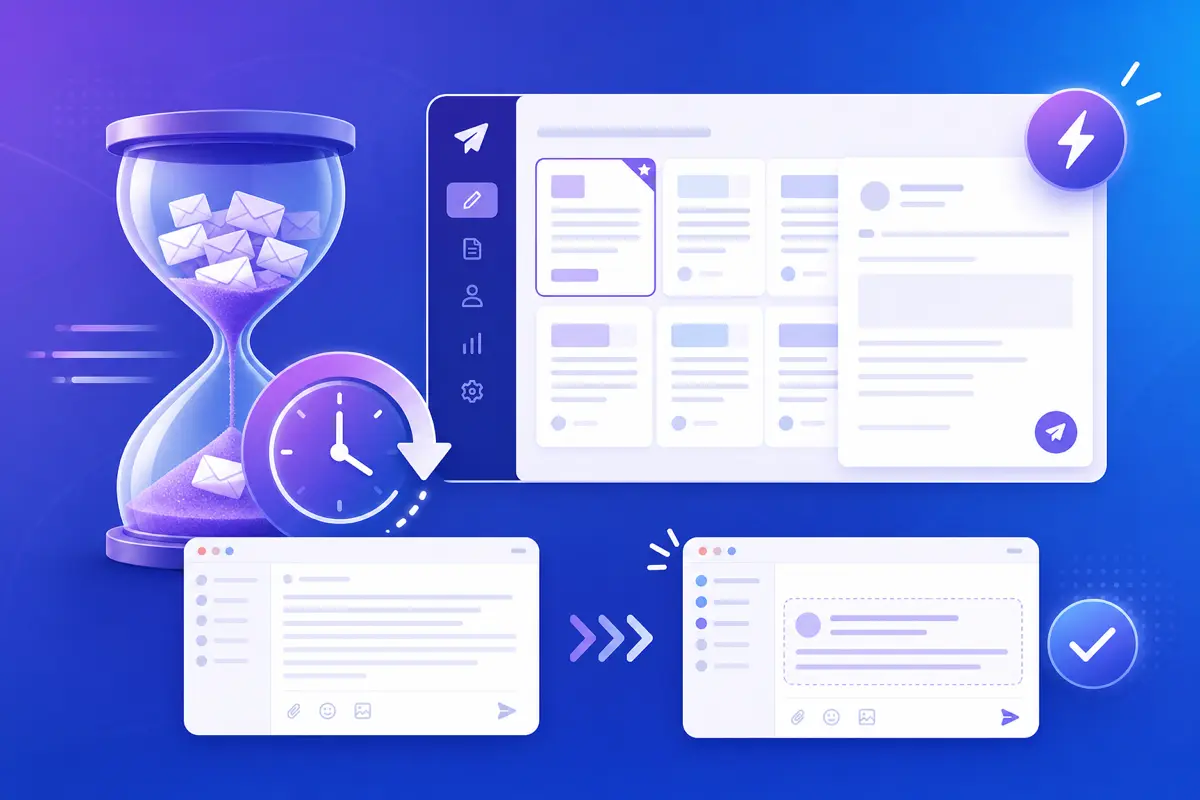
The average professional spends over two hours a day on email, and a surprising share of that time is not reading — it is retyping. QwicMailer reduces writing time by separating what changes (names, dates, one custom sentence) from what stays the same (structure, tone, closing).
The hidden cost of starting from blank
Every blank compose forces three decisions: how to open, what to say, and how to close. Even when you "know" what to write, typing it out again costs focus and minutes. That is why support reps, sales teams, and founders all reach for copy-paste — and why pasted text often breaks formatting or forgets personalization.
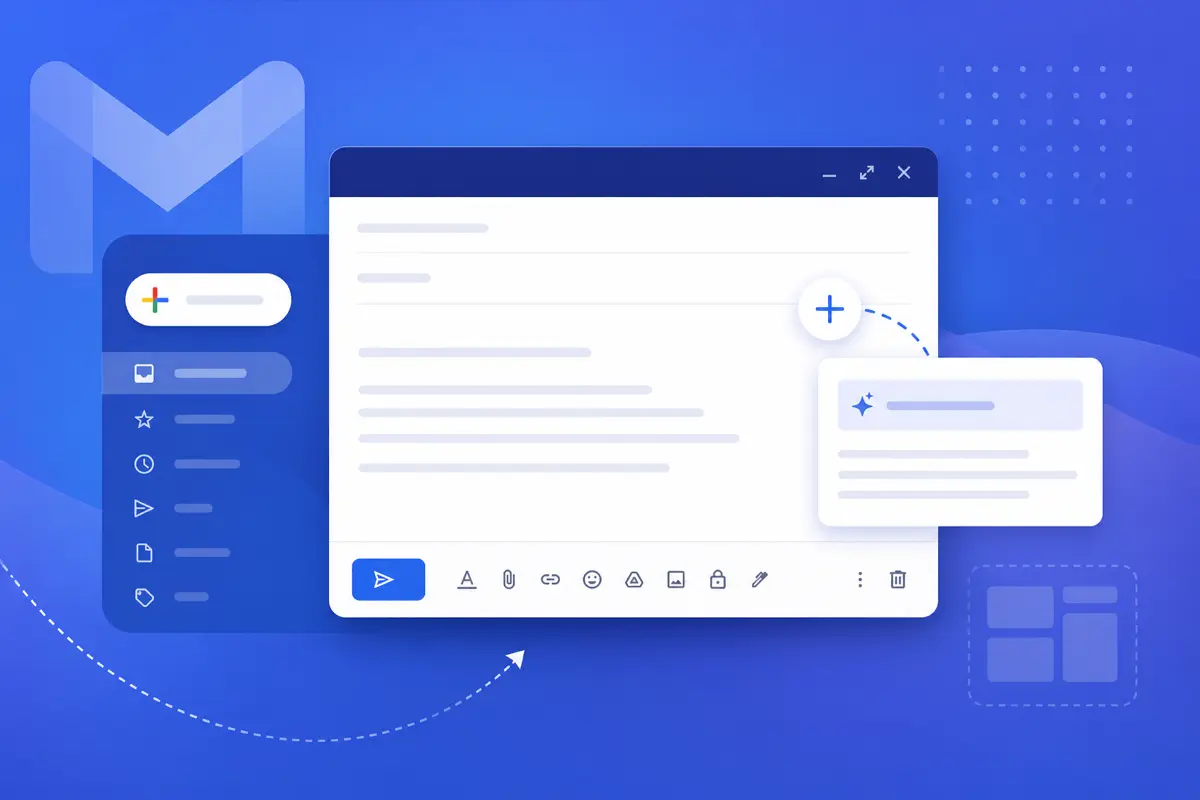
QwicMailer replaces copy-paste with named templates, automatic variables, and a consistent editor.
Write once in the Template Editor
 New template
Template Editor — subject, body, and variables in one place.
Open Templates (/dashboard/templates) → New template. Set Subject, body, and insert variables from the sidebar. Click Save. The message is ready for hundreds of future sends without another full draft.
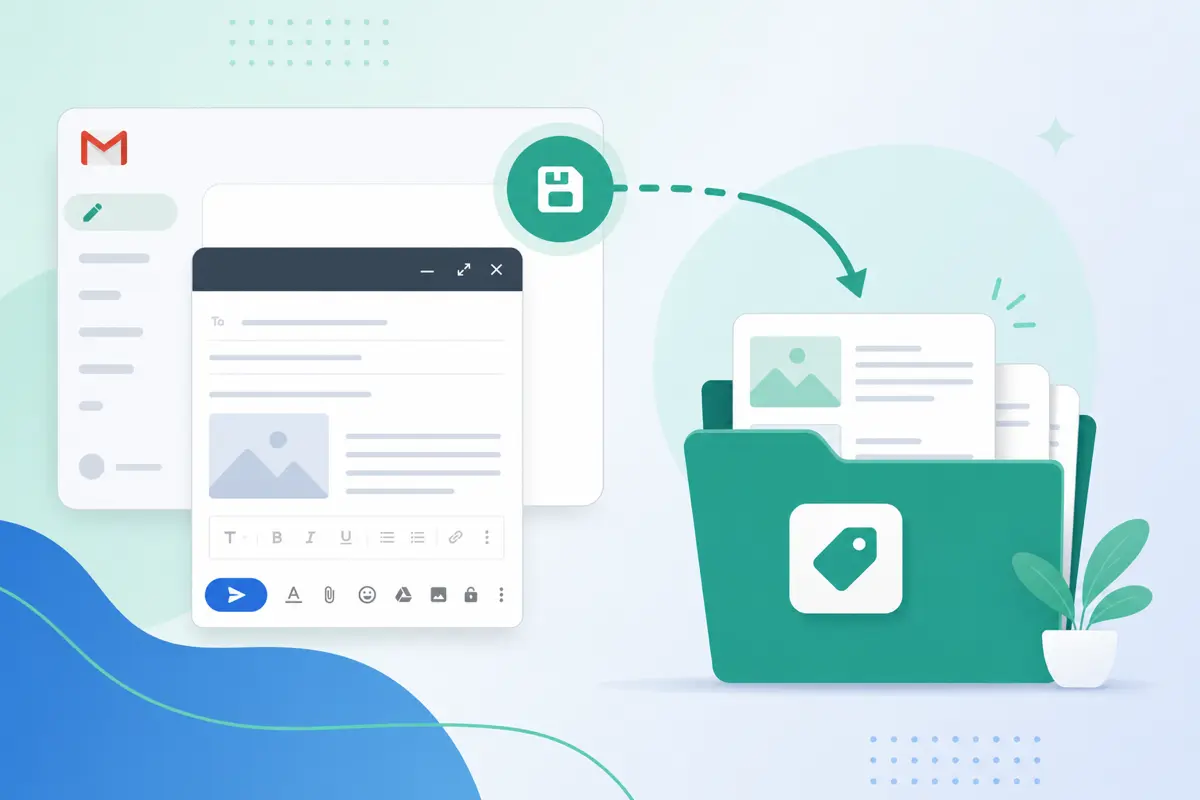
If you already have a great email in Gmail Sent, save it as a template instead of rewriting it.
Variables eliminate manual find-and-replace
Without variables, every send means hunting for "Hi John" and swapping in "Hi Sarah." QwicMailer fills {{first_name}}, {{company}}, and custom fields from your Contacts (/dashboard/contacts) at send time.
Example scheduling template:
Email preview
Meeting on {{date}} — {{topic}}
From: you@gmail.comTo: {{first_name}}@company.comHi {{first_name}}, Looking forward to our call on {{date}} about {{topic}}. I will send a calendar invite shortly. Talk soon, {{your_name}}
You edit zero names — only the date or topic if something shifted.
Quick Send cuts the compose loop
Quick SendInstead of: open Gmail → think → type → proofread → send, the loop becomes: pick template → preview → send. Quick Send (/dashboard/quick-send) shows the full message with variables resolved before anything leaves your outbox.
Organize so you never hunt for the right template
TemplatesA messy library slows you down as much as blank compose. Use categories and clear names — "Sales – Follow-up Day 3" beats "Follow up v2 final." Read how to organize Gmail templates for a naming system that scales.
Track what you send and refine
Open Sent Emails to see which templates you use most. Double down on those; archive or delete templates you never touch. Less clutter means faster picks and less decision fatigue.
Connect Gmail once on Dashboard
DashboardSign in at /login, connect Gmail from Dashboard, and your writing workflow lives in one place — templates, contacts, Quick Send, and Inbox — without juggling Gmail drafts and external docs.
Conclusion
QwicMailer reduces email writing time by storing proven copy, auto-filling personalization, and shortening the path from intent to send. Build your first three templates this week and measure the difference. Try QwicMailer free.
Frequently asked questions
On repetitive messages: follow-ups, scheduling, support answers, and intro emails. Templates handle structure and phrasing; you only edit the one line that needs to be unique.

Email Templates Editor
Ryan helps teams build reusable Gmail templates that save hours every week without losing a personal touch.
10 articles on QwicMailer
Stop rewriting emails.
Start sending smarter.
Create reusable templates, personalize every email, and send everything from your connected Gmail account.
No credit card required