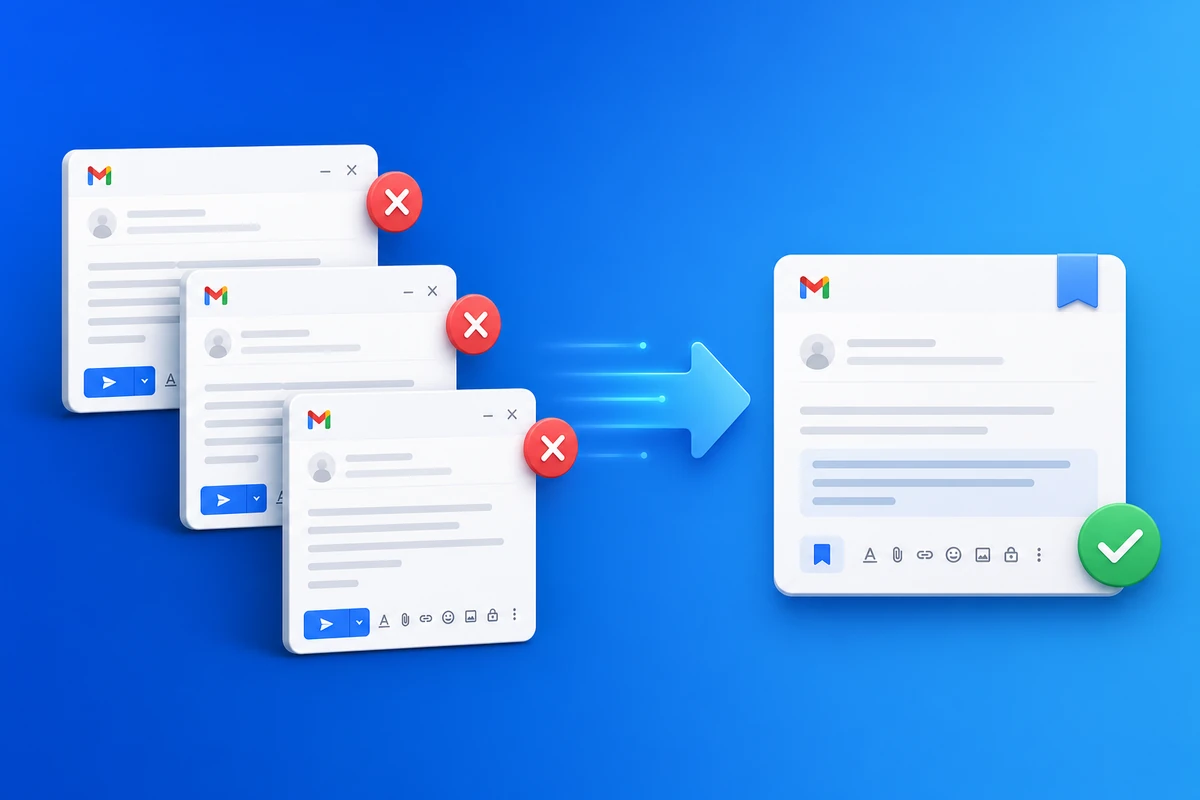
An email without copy paste workflow means your Gmail sends start from a template library — not from yesterday's Sent folder or a Google Doc. QwicMailer replaces copy-paste with merge fields, preview, and one-click send.
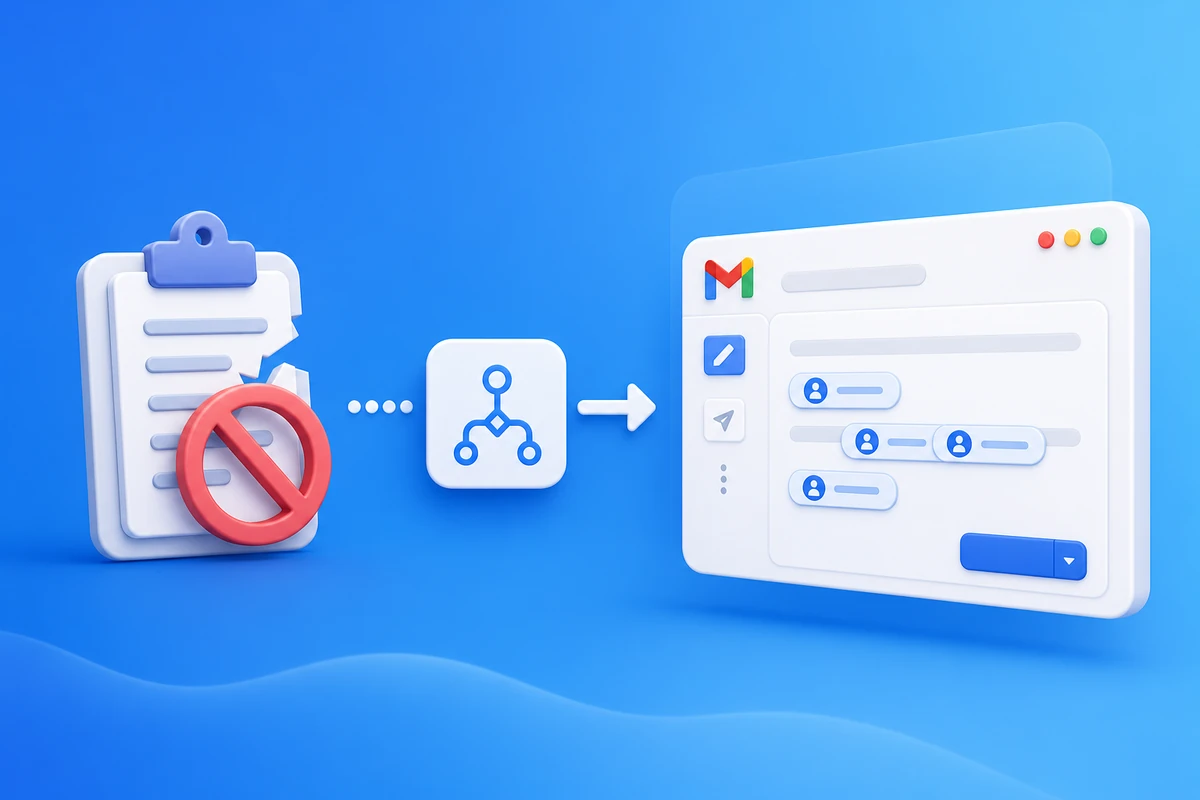
Where copy-paste breaks
- Wrong {{name}} — the #1 trust killer
- Outdated links or dates from old threads
- No open data — you follow up blind
- Time cost — find thread, copy, paste, fix, send
The replacement workflow
- Templates — approved copy with variables
- Contacts — names and fields stored once
- Quick Send — pick template + recipients + preview
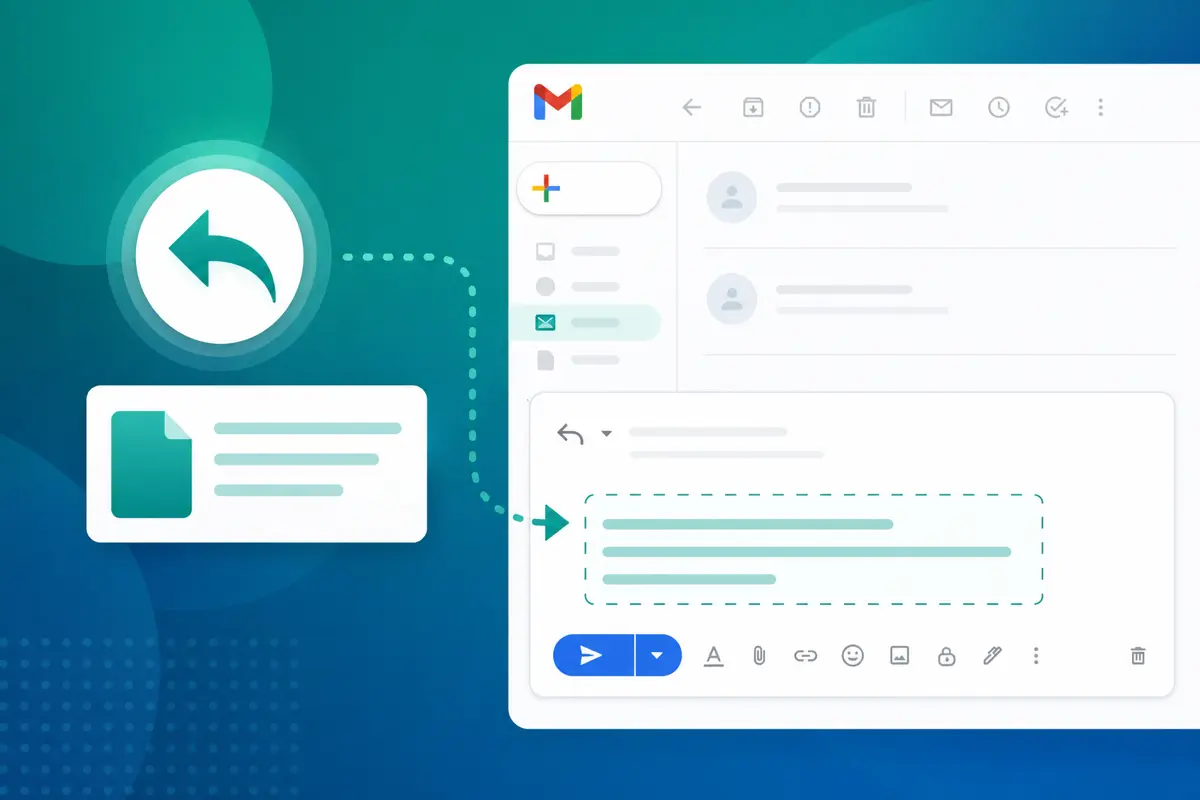
- Inbox replies — insert template inside a thread
 Templates
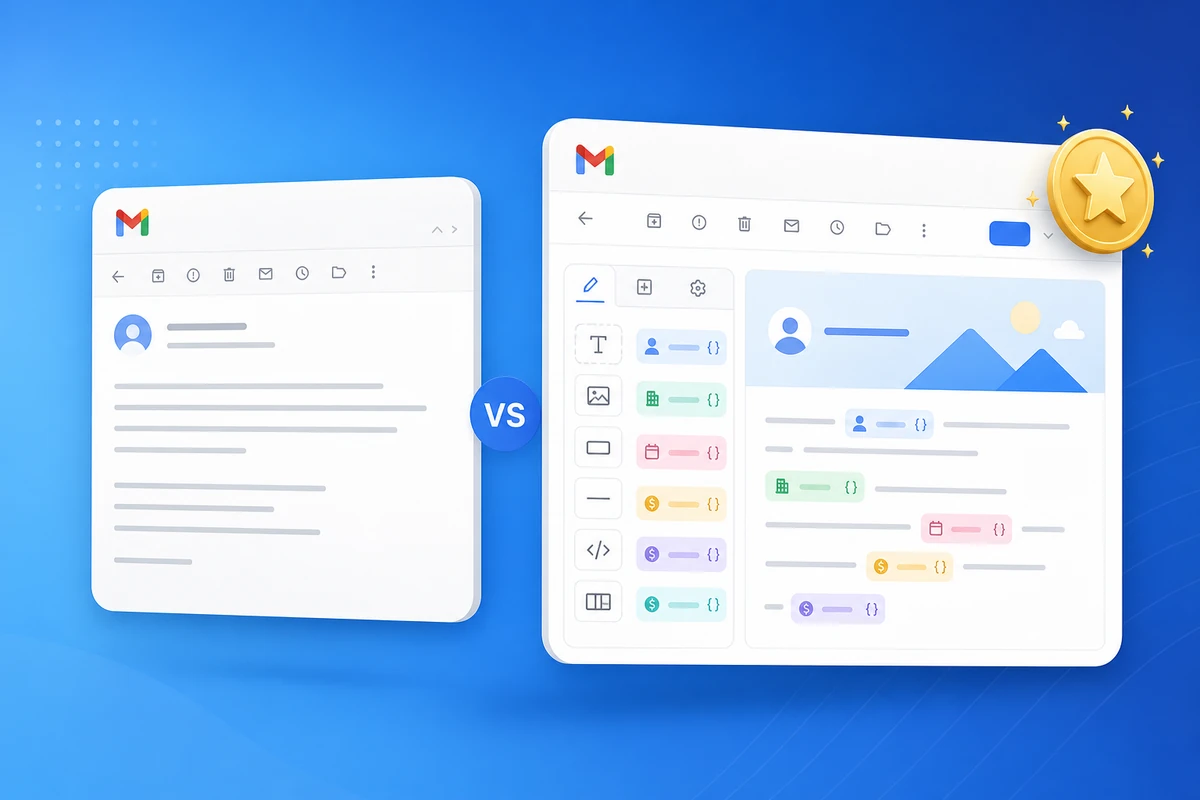
Quick Send vs. copy-paste
| Copy-paste | QwicMailer Quick Send |
|---|---|
| Manual name replacement | Auto-filled merge fields |
| No preview discipline | Live preview per recipient |
| No send analytics | Opens and bounces logged |
| Fragile formatting | Editor preserves layout |
Reply in threads without paste
Open Inbox, Reply with template, adjust one line, send. See how to insert a template in a Gmail reply.
Conclusion
Business email from inbox should not mean copy-paste gymnastics. Start free and move your top five repeat messages into templates this week.
Frequently asked questions
Wrong names, stale details, broken formatting, and no tracking. Copy-paste does not scale past a handful of sends per week.

Email Templates Editor
Ryan helps teams build reusable Gmail templates that save hours every week without losing a personal touch.
10 articles on QwicMailer
Stop rewriting emails.
Start sending smarter.
Create reusable templates, personalize every email, and send everything from your connected Gmail account.
No credit card required