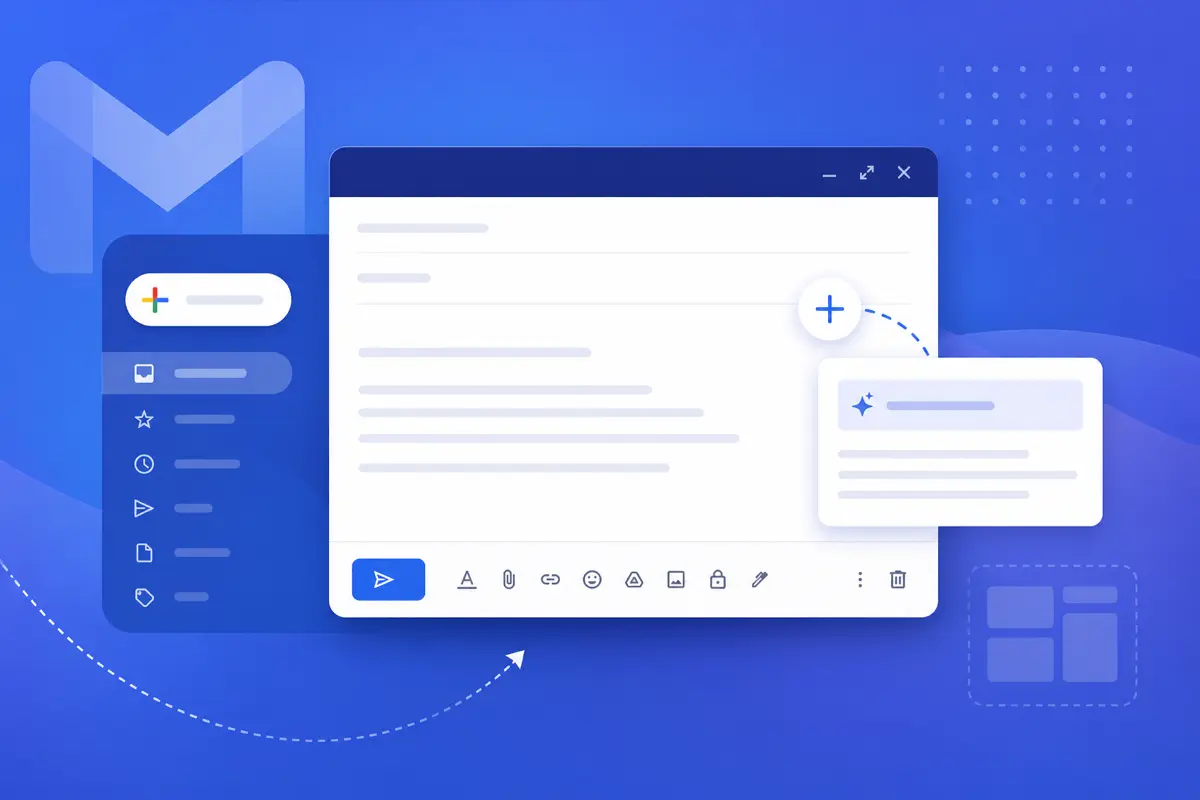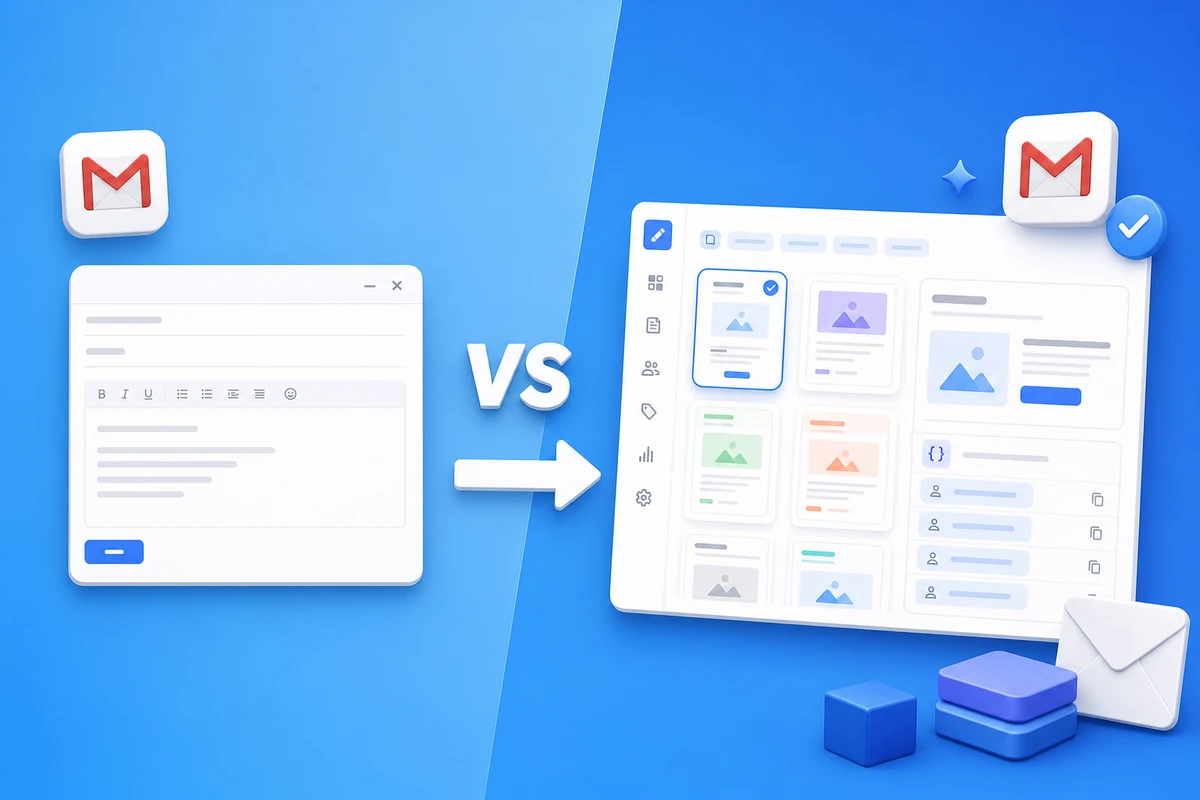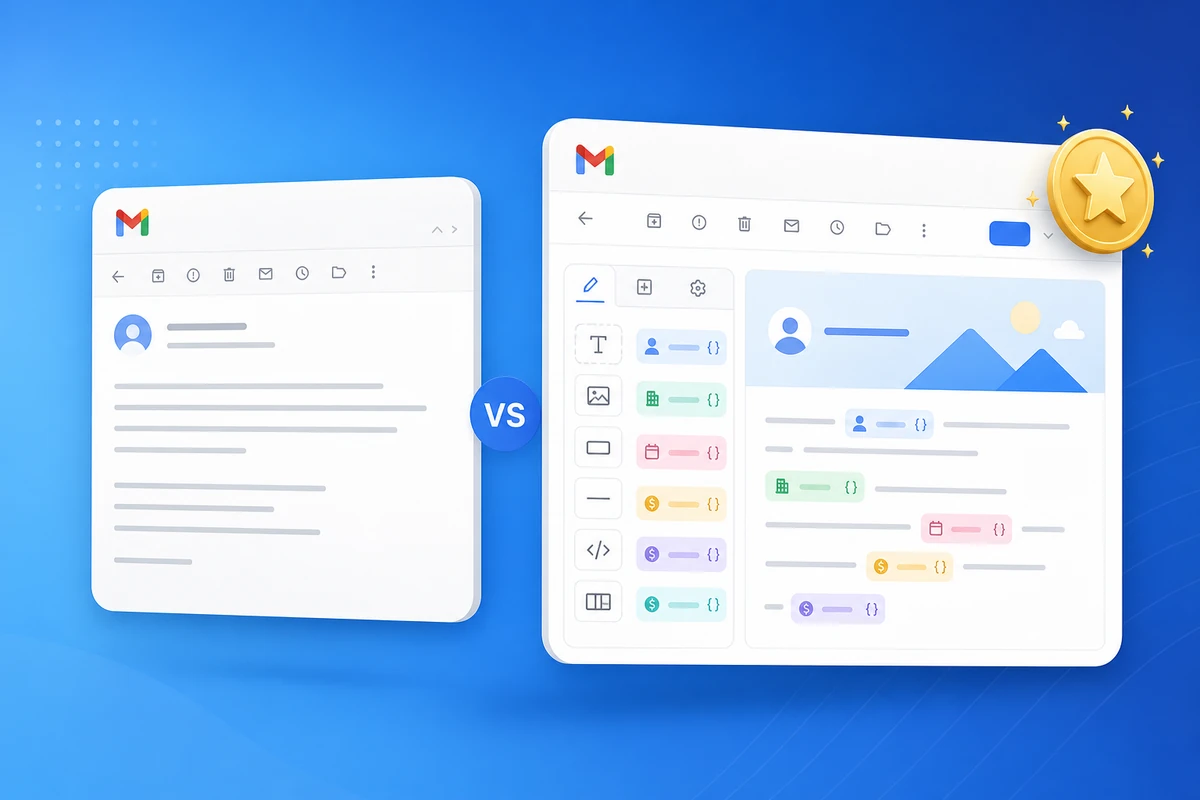
The best app to save Gmail templates with variables is one that lets you create email template content once, personalize email with name at send time, and send mail from gmail inbox — without migrating to Mailchimp or Brevo. For most teams sending repeat business email, that app is QwicMailer.
What to look for in a Gmail template app
| Capability | Why it matters |
|---|---|
| Merge fields / variables | Replace {{first_name}} automatically — no find-and-replace |
| Send from real Gmail | Recipients trust your address; mail stays in Sent |
| Contact lists + CSV import | Reuse recipient lists for follow-ups |
| Preview before send | Catch wrong names before Gmail sends |
| Open tracking | Know when to follow up |
Gmail alone vs a template manager
Gmail drafts and canned responses help for one-off snippets. They lack a template library, structured variables, bulk personalized sends, and analytics. QwicMailer is a free gmail template tool layer on top of Gmail — not a replacement inbox.
Why teams pick QwicMailer
- Template library for teams — categories, search, reusable copy
- Gmail merge fields workflow — standard and custom variables
- Quick Send — write email faster on every repeat message
- Inbox replies — reply in gmail thread with template inserted
- Professional mail template free tier to start
Explore ready-made copy in the email templates library and Gmail templates hub.
Getting started
- Sign in with Google and connect Gmail.
- Save your first template with variables — create in 2 minutes.
- Send a personalized test via Quick Send.
Read the full email personalization variables guide for placeholder best practices.
Conclusion
The best Gmail template app with merge fields sends from your inbox, personalizes at scale, and skips copy-paste. Try QwicMailer free.
Frequently asked questions
Look for merge fields, send-from-Gmail (not a separate ESP), contact lists, preview before send, and open tracking for repeat business email — not newsletter blasts.

Personalization Strategist
Emily writes about email variables, mail merge, and personalization tactics that scale without sounding generic.
7 articles on QwicMailer
Stop rewriting emails.
Start sending smarter.
Create reusable templates, personalize every email, and send everything from your connected Gmail account.
No credit card required