Recruiters live in Gmail — but rewriting interview invites and candidate follow-ups every day slows hiring. QwicMailer is a fast mail tool for recruiters using gmail: create templates once, personalize email with name, send mail from gmail inbox, and track who opened my email before your next touch.
The recruiter rewrite problem
You might send 20+ structurally similar emails per week: screen invites, rejection notes, hiring manager intros, and check-ins after no response. Copy-paste from last week's Sent folder breaks when a name or role is wrong — and candidates notice.
Build a recruiter template library
Start with templates you send most:
- Interview invitation —
{{first_name}},{{role}},{{date}} - Application received acknowledgment
- Post-interview follow-up
- Passive candidate outreach
Use recruiter email templates as starters, then save variants in QwicMailer Templates.
 Templates
Send candidate mail fast with Quick Send
Quick Send- Pick a template.
- Select candidates from Contacts — manage email contacts with tags like "Backend" or "Q3 pipeline".
- Preview each personalized message.
- Send — send personalized mail fast from your recruiting Gmail.
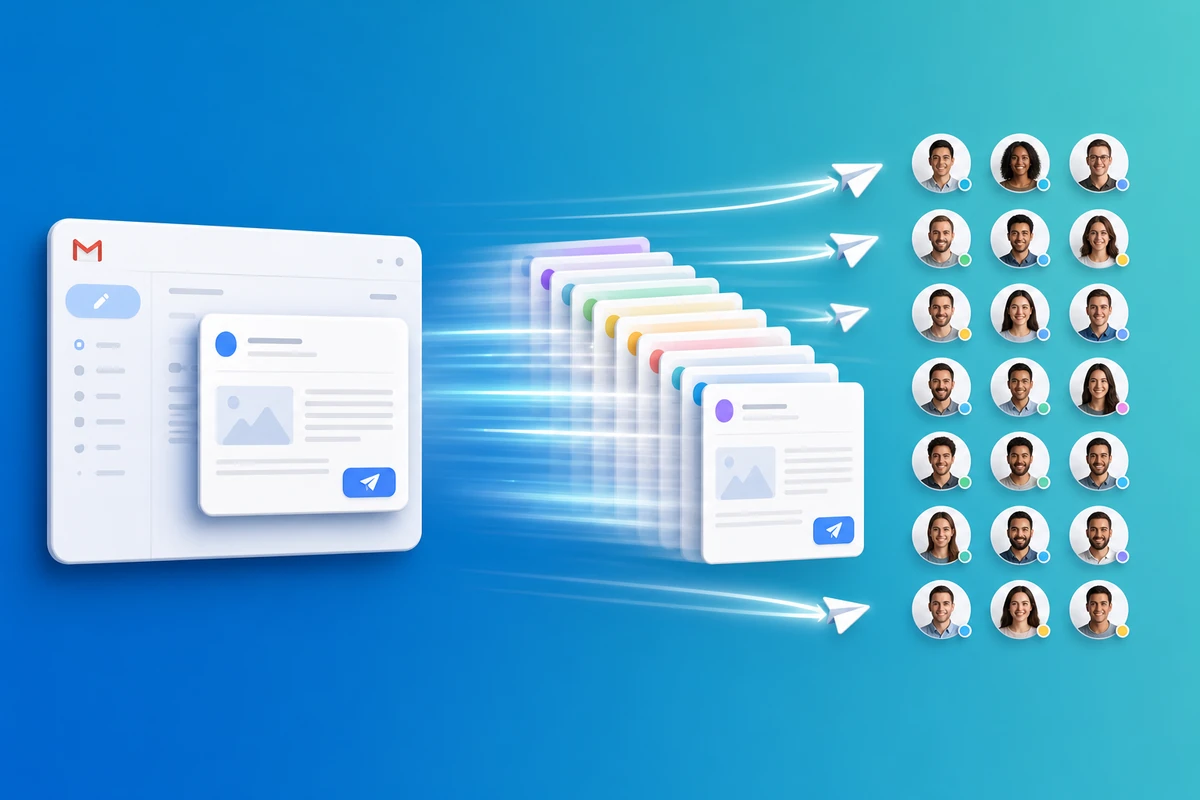
For shortlists, send the same email to 25 people with per-candidate variables.
Reply faster in active threads
When a candidate replies, open Inbox, insert your saved template, adjust one line, and send. Reply in gmail thread with template — no hunting through Drafts.
Track opens before you follow up
Check Sent Emails for opened vs. no open. Send follow up without rewriting — reuse your bump template only for candidates who have not engaged, so you stay professional without spamming.
Conclusion
A fast mail tool for recruiters using Gmail means templates, variables, bulk Quick Send, and open tracking — all from your real address. Start free with QwicMailer and template your next interview invite.
Frequently asked questions
Recruiters send high volumes of structurally similar email — invites, rejections, follow-ups. Templates with {{first_name}} and {{role}} cut rewrite time while keeping a personal tone from the recruiter's real address.

Recruitment Communications Lead
Sarah covers hiring emails, candidate outreach, and recruiter workflows that get faster responses.
5 articles on QwicMailer
Stop rewriting emails.
Start sending smarter.
Create reusable templates, personalize every email, and send everything from your connected Gmail account.
No credit card required