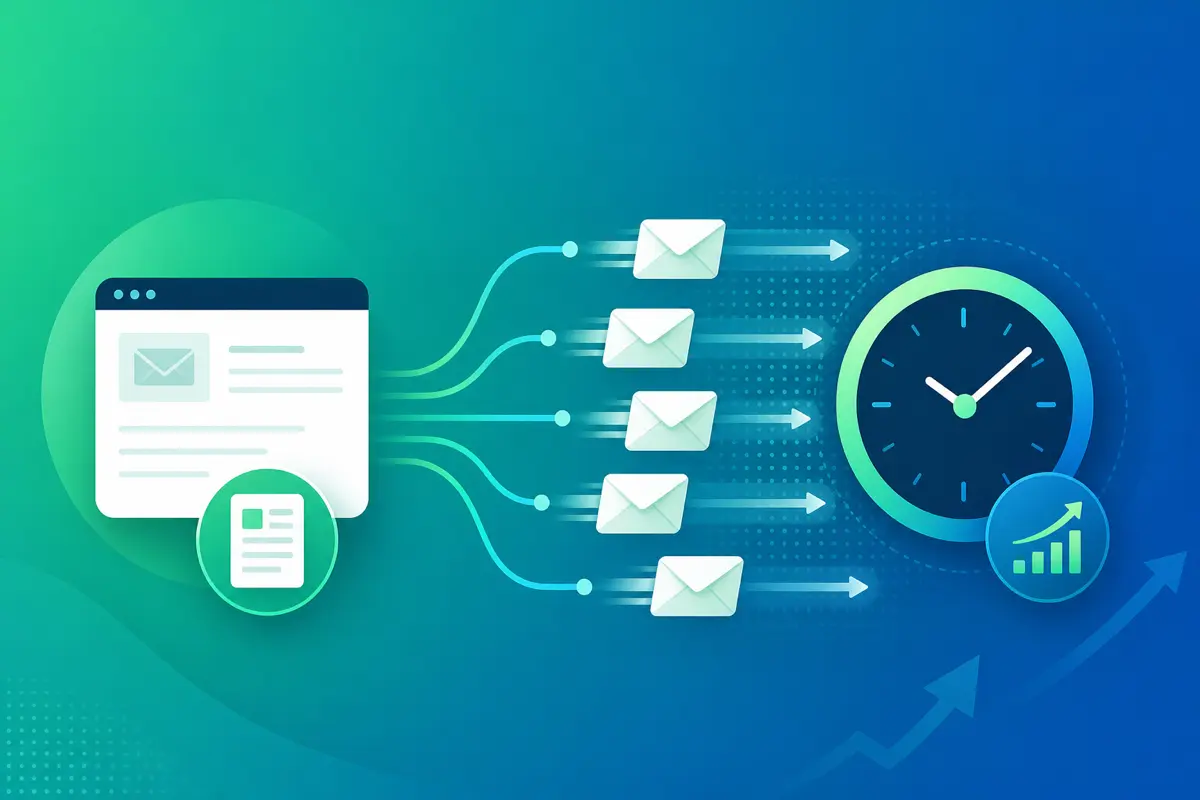
Sending more email without working longer is a systems problem, not a hustle problem. Reps and founders who increase volume sustainably template their outreach, batch sends in focused blocks, and let variables handle personalization — all through QwicMailer and their connected Gmail account.
Volume fails when every email is bespoke
Writing fifty unique essays a day is not scalable. But fifty lightly personalized sends from five proven templates is. The difference is infrastructure: a template library, contact-backed variables, and a fast send path.
Build a small set of high-converting templates
 New template
In Templates (/dashboard/templates), create:
- Cold intro — short, value-first
- Follow-up day 3 — gentle bump
- Follow-up day 7 — final nudge with clear ask
- Meeting booked — confirmation + agenda request
- Objection response — pricing or timing pushback
Base structure from how to create email templates in Gmail.
Batch outbound in Quick Send
Quick SendQuick Send (/dashboard/quick-send) sessions beat all-day dribbling:
- Open your contact list or CRM export in Contacts.
- Pick today's template (e.g. follow-up day 3).
- Work recipient by recipient: preview → send → next.
- Thirty focused minutes beats two hours of distracted compose.
Example outreach template:
Email preview
{{first_name}}, quick thought on {{company}}
From: you@gmail.comTo: {{first_name}}@company.comHi {{first_name}}, Teams like {{company}} often struggle with {{pain_point}}. We help by {{solution_one_liner}}. Worth a 15-minute call this week? Best, {{your_name}}
Follow up inside threads via Inbox
InboxReplies convert better than new threads. Inbox (/dashboard/inbox) + template insertion — see insert template in Gmail reply — keeps follow-up volume high without new subject lines every time.
Track volume in Sent Emails
Sent EmailsSent Emails shows what shipped today. Pair with template performance review weekly. Double down on templates that earn replies; retire weak copy. Reuse patterns from Gmail canned responses guide without the flat-menu limits.
Connect Gmail once on Dashboard
DashboardSign in, connect on Dashboard, and every batched send uses your real Gmail identity — important for trust at higher volume.
Conclusion
Send more emails without working longer by templating proven copy, batching in Quick Send, and personalizing with contact variables. Same hours, higher throughput, less burnout. Start free with QwicMailer.
Frequently asked questions
Template high-volume message types, batch sends in Quick Send sessions, and use variables so each email needs only seconds of review instead of minutes of drafting.

Sales Enablement Writer
James focuses on sales follow-ups, cadences, and templates that help reps book more meetings.
6 articles on QwicMailer
Stop rewriting emails.
Start sending smarter.
Create reusable templates, personalize every email, and send everything from your connected Gmail account.
No credit card required