Rushing email produces typos, vague asks, and tone that does not match the relationship. But slow drafting is not the only path to quality. QwicMailer reduces writing time by reusing copy you have already pressure-tested — while live preview and variables keep each send accurate and personal.
Quality lives in the template, not the clock
Your best emails already exist in Sent mail: the follow-up that got a reply, the support answer that prevented escalation, the intro that booked a meeting. Those messages are quality benchmarks. Templates preserve them; blank compose forces you to recreate them under time pressure.
Save proven copy, not first drafts
 New template
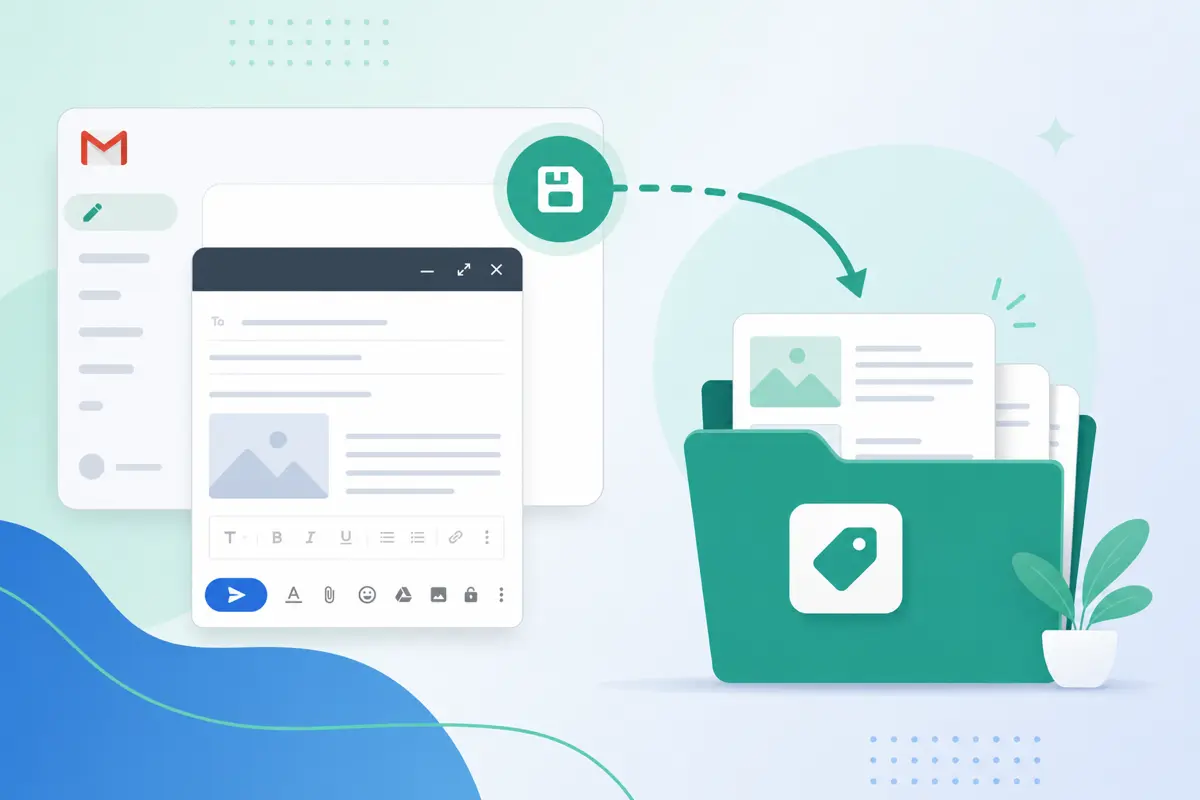
When an email performs well, save it as a template:
- Copy from Sent Emails or Gmail Sent.
- Paste into Templates → New template.
- Replace specifics with variables.
- Save — quality locked in.
Preview every send before it goes out
Quick SendQuick Send live preview is your quality gate. Read the full message with variables resolved. Fix one contextual line if needed. Send with confidence — faster than writing from scratch, safer than blind copy-paste.
Maintain quality over time
TemplatesTemplates drift stale when offers, policies, or team names change. Schedule a monthly review: open Templates, edit saved templates in place, delete outdated versions. Organize with how to organize Gmail templates so nothing embarrassing ships by accident.
Quality checklist template
Build this into your library as a pre-send reminder:
Email preview
{{subject}}
From: you@gmail.comTo: {{first_name}}@company.comHi {{first_name}}, {{main_message}} Clear next step: {{call_to_action}} Best, {{your_name}}
The explicit Clear next step line forces quality even when you are moving fast.
Variables reduce personalization errors
Wrong names destroy quality faster than stiff phrasing. {{first_name}} and contact-linked fields from Contacts (/dashboard/contacts) auto-fill at send time — fewer embarrassing mistakes, less manual proofreading.
Conclusion
Reduce email writing time without losing quality by templating proven messages, previewing every send, and updating templates when your business evolves. Try QwicMailer free and keep speed and standards aligned.
Frequently asked questions
Only if the template is generic. Save messages that already worked — your voice, your structure — and personalize with variables plus one custom sentence in preview.

Email Templates Editor
Ryan helps teams build reusable Gmail templates that save hours every week without losing a personal touch.
10 articles on QwicMailer
Stop rewriting emails.
Start sending smarter.
Create reusable templates, personalize every email, and send everything from your connected Gmail account.
No credit card required