Gmail templates lose formatting when incompatible HTML meets a plain compose window — pasted Word docs, reply-thread context, and rushed saves all strip bold, bullets, and spacing. QwicMailer solves this with a rich Template Editor and multi-mode preview so you see the final email before it sends.
Why Gmail formatting breaks
Gmail templates capture whatever is in the compose box at save time. Paste from Microsoft Word or Google Docs and hidden markup conflicts with Gmail's editor. Insert into a plain-text reply thread and rich formatting collapses. Overwrite a formatted template with unformatted text and the old layout is gone. These are Gmail limitations, not user error. Related: Gmail template images not loading.
You do not need Gmail Settings → Advanced → Templates. QwicMailer is your template library; Gmail is only the sending channel after you connect Google once.
How QwicMailer preserves formatting
 New template
Template Editor — subject, body, variables, and Save.
Rich Template Editor
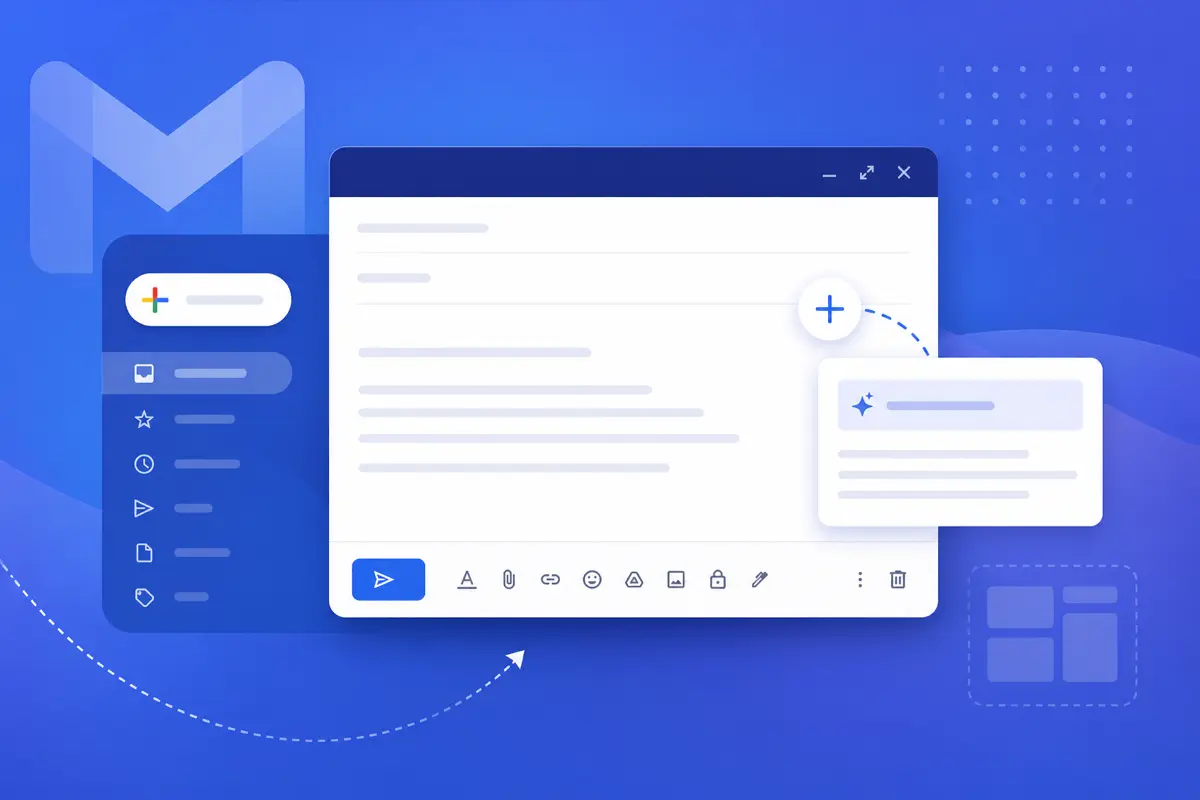
Open Templates → New template. The editor supports bold, italic, underline, headings, bullet and numbered lists, links, and inline images — all applied inside QwicMailer instead of a fragile Gmail paste.
Variables without breaking layout
Add {{first_name}} and other placeholders from the Variables sidebar. Formatting wraps around variables cleanly; Quick Send fills them without stripping styles.
Live Preview modes
Click Preview in the Template Editor. Switch between desktop, mobile, tablet, and dark modes. What you see is what recipients get when the message sends through your connected Gmail.
Preheader and subject together
Set Subject and Preheader (inbox snippet line) alongside the body so the full envelope — not just the body block — stays consistent.
Build formatting that sticks
Templates- Format inside QwicMailer, not Word. Type and style in the Template Editor toolbar.
- Keep layouts single-column. Simple structures survive email clients best.
- Preview before saving. Toggle mobile preview to catch cramped bullet lists.
- Edit with overwrite intent. Templates → click the template or Edit → change fields in the Template Editor → Save. To remove: trash icon on the card or Delete in the editor.
Example: formatted template
Email preview
Project Update — {{project}}
From: you@gmail.comTo: {{first_name}}@company.comHi {{first_name}}, Quick update on **{{project}}**: - Timeline: on track for {{date}} - Next milestone: {{milestone}} - Action needed: {{action}} Let me know if you have questions. Best, {{your_name}}
Apply bold and bullets in the editor, preview in mobile mode, then Save. Send via Quick Send and confirm in Gmail Sent.
Images plus formatting
Formatting issues often pair with broken images when templates come from design exports. Insert images through the Template Editor Insert menu instead — covered in Gmail template images not loading.
Send with confidence
Quick Send- Go to Quick Send (
/dashboard/quick-send). - Pick your template.
- Add recipient(s) from Contacts or type an address — choose Single email or Bulk send.
- Fill any variable fields; review the Live preview.
- Click Send email. The message sends from your connected Gmail address and appears in Gmail Sent.
Review the Live preview step — it is your last check before formatting reaches a real inbox.
Formatting scenarios QwicMailer handles better
Reply threads. Gmail reply windows inherit plain-text context from older messages. QwicMailer sends formatted templates through Quick Send or Reply with template in Inbox — you control the output instead of fighting thread formatting.
Bulk sends. When you personalize fifty follow-ups, consistent bold headings and bullet lists matter. Preview each variant in Quick Send before bulk send so one bad paste does not reach every contact.
Long-lived templates. Update copy in Template Editor and click Save — the library version updates for every future send. No overwrite submenu buried in Gmail compose.
Preview modes at a glance
| Mode | Best for |
|---|---|
| Desktop | Standard office recipients |
| Mobile | Sales reps previewing phone layout |
| Tablet | Mixed device audiences |
| Dark | Dark-mode email clients |
Toggle each mode in Template Editor before Save — especially for templates with multi-line bullet lists or CTA buttons that wrap differently on narrow screens.
Conclusion
Gmail template formatting breaks because Gmail's editor was built for quick replies, not designed templates. QwicMailer gives you a rich editor, variable support, and multi-mode preview. Start free with QwicMailer and stop losing bold text on insert.
Frequently asked questions
Gmail strips formatting when you paste from Word, insert into plain-text replies, or save before the editor finishes rendering. QwicMailer formats in a dedicated rich editor and shows the result in Live Preview before send.

Personalization Strategist
Emily writes about email variables, mail merge, and personalization tactics that scale without sounding generic.
7 articles on QwicMailer
Stop rewriting emails.
Start sending smarter.
Create reusable templates, personalize every email, and send everything from your connected Gmail account.
No credit card required