Repetitive emails are predictable — that is the point. The fastest way to write them is not to write them at all. Save the structure in QwicMailer, fill variables automatically, and move through your queue with Quick Send and Inbox replies.
Map your repetitive sends
Before opening the editor, list emails you sent more than twice last week. Sales follow-ups? Interview scheduling? "Thanks for your patience" support lines? Those are template candidates. Everything else can stay ad hoc.
Create templates for high-volume patterns
 New template
In Templates (/dashboard/templates):
- New template for each high-volume pattern.
- Short subject + body under 120 words.
- Variables for names, dates, and product names.
- Category tag for fast filtering.
Starter guide: how to create email templates in Gmail.
Quick Send: fastest for new outbound
Quick SendQuick Send (/dashboard/quick-send) is the speed lane:
- Pick template
- Add recipient(s)
- Preview with variables filled
- Send from Gmail in one click
Batch your repetitive outbound in one sitting — confirmations Monday morning, follow-ups Thursday afternoon.
Inbox: fastest for repetitive replies
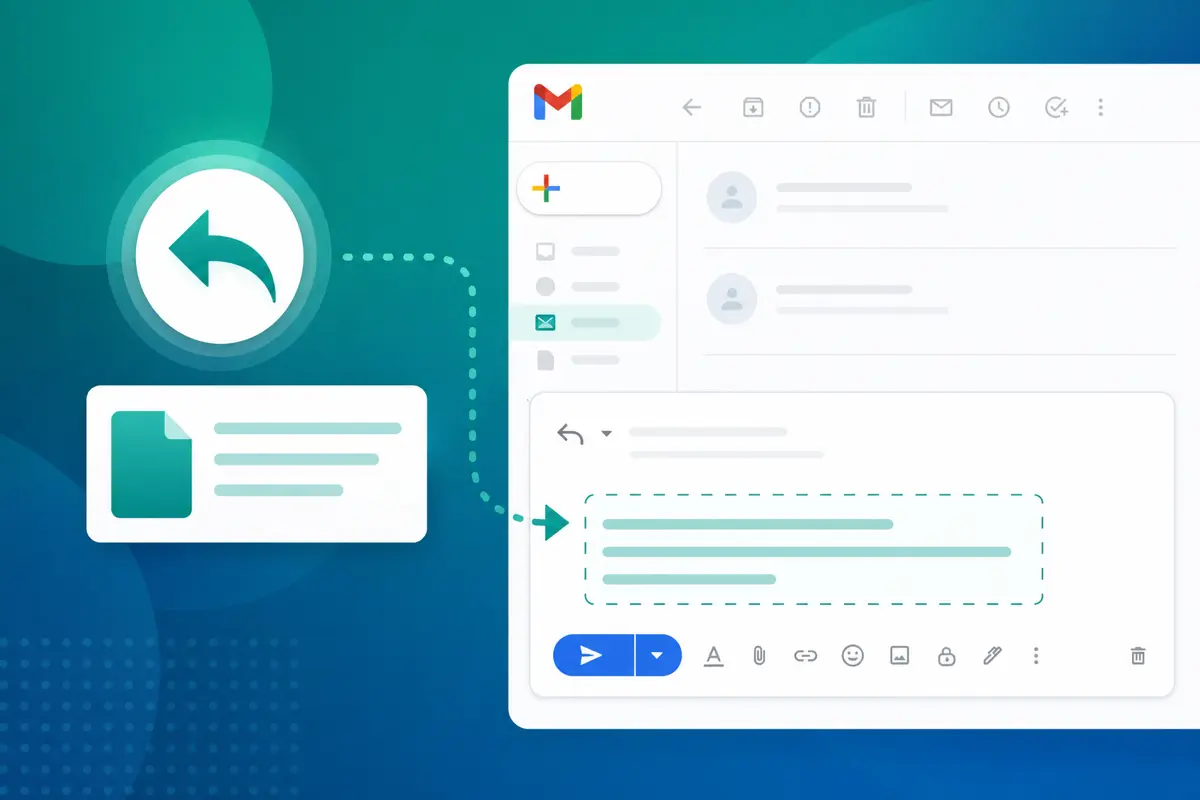
InboxWhen the thread already exists, Inbox (/dashboard/inbox) beats compose. Reply → insert template → tweak → send. Full walkthrough: how to insert a template in a Gmail reply.
Three repetitive templates to save today
Email preview
Quick follow-up — {{topic}}
From: you@gmail.comTo: {{first_name}}@company.comHi {{first_name}}, Just checking in on {{topic}}. Still a good time to connect this week? Best, {{your_name}}
Email preview
Status update — {{project}}
From: you@gmail.comTo: {{first_name}}@company.comHi {{first_name}}, Quick update on {{project}}: {{status_summary}}. Next step: {{next_step}}. Let me know if you have questions. Thanks, {{your_name}}
Save both; cover most weekly repetitive volume.
Avoid the copy-paste trap
Copy-paste from old Sent mail feels fast until you send the wrong name or an expired link. Templates with variables and live preview catch those errors before send. For background on reuse patterns, see Gmail canned responses guide.
Connect once, send all week
DashboardSign in → Dashboard → connect Gmail. Your repetitive-email workflow is live in under five minutes.
Conclusion
The fastest way to write repetitive emails is to stop writing them from scratch. Template the pattern, send through Quick Send or Inbox, and reclaim hours every week. Start free with QwicMailer.
Frequently asked questions
Any message you send weekly with the same structure: follow-ups, meeting requests, status updates, support macros, recruiting outreach, payment reminders.

Cold Outreach Specialist
Marcus writes about cold email strategy, reply rates, and follow-up sequences that actually convert.
4 articles on QwicMailer
Stop rewriting emails.
Start sending smarter.
Create reusable templates, personalize every email, and send everything from your connected Gmail account.
No credit card required