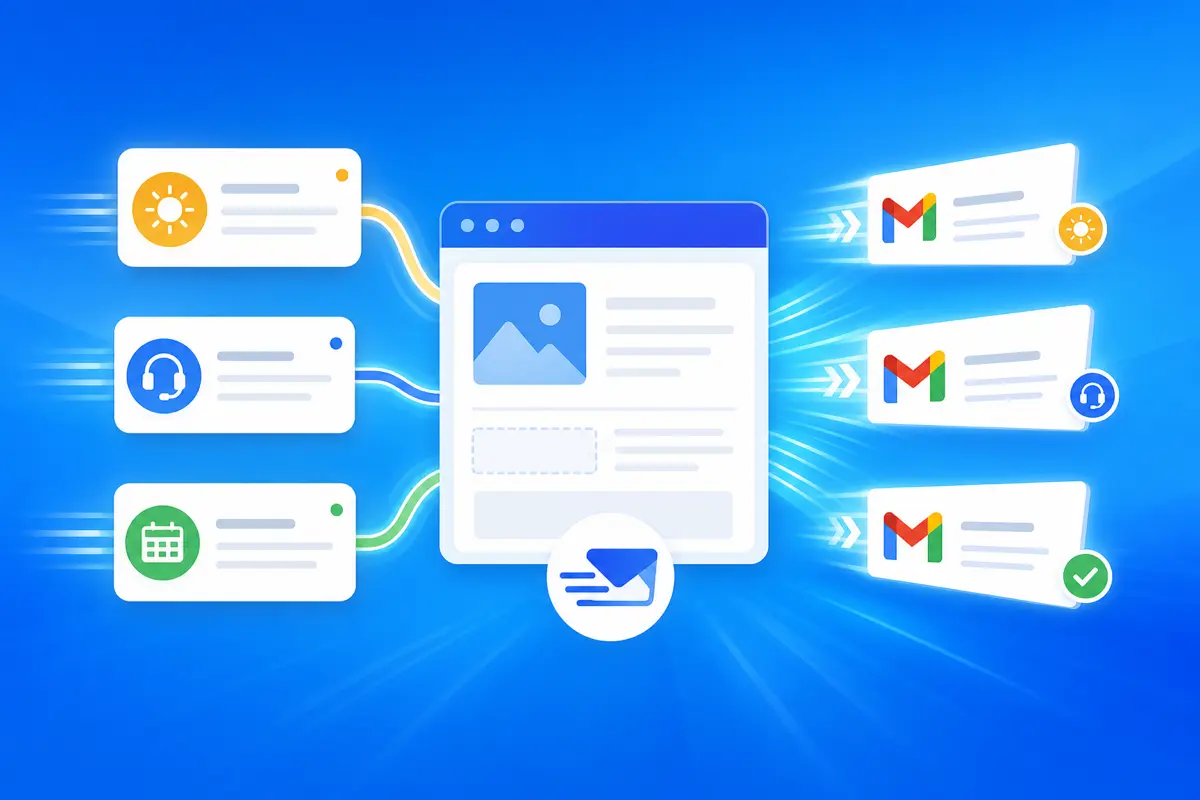
Everyday email is not one big project — it is dozens of small sends that add up: confirming a meeting, answering a FAQ, nudging a stalled deal, thanking someone for a intro. QwicMailer makes everyday email faster by putting templates, contacts, Quick Send, and Inbox replies in one workspace connected to your Gmail account.
Everyday email, defined
Think of the messages you send without creative effort — only execution. Those are everyday emails. They deserve everyday shortcuts, not blank compose every time.
One workspace for daily sends
 Dashboard
Dashboard — your starting point every morning.
After signing in and connecting Gmail:
- Templates — your reusable copy
- Quick Send — new outbound in seconds
- Inbox — template-powered replies
- Contacts — data for variables
- Sent Emails — history and template ideas
- Settings — Gmail connection and preferences
Enable everything once: how to enable templates in Gmail.
Morning: templates + Inbox
InboxOpen Inbox, reply to overnight messages with saved templates. Scheduling requests get your scheduling template; FAQs get your support template. Thread context stays visible; typing stays minimal.
Afternoon: Quick Send for proactive mail
Quick SendFollow-ups, check-ins, and intros go through Quick Send. Pick template, add recipient, preview, send — repeat until the list is clear.
Keep the library everyday-ready
TemplatesAn everyday library stays small and sharp. Five to fifteen templates cover most weeks. Organize with how to organize Gmail templates. New users: Gmail templates beginners guide.
Everyday template starter pack
Email preview
Thanks, {{first_name}}
From: you@gmail.comTo: {{first_name}}@company.comHi {{first_name}}, Thanks for {{reason}}. Really appreciate it. Best, {{your_name}}
Email preview
Re: {{topic}}
From: you@gmail.comTo: {{first_name}}@company.comHi {{first_name}}, {{short_answer}} Happy to clarify if anything is unclear. Best, {{your_name}}
Two templates cover a surprising share of daily volume.
Settings and Gmail health
ProfileCheck Settings (/dashboard/settings) if sends fail — usually a Gmail reconnect from Profile → Gmail access. Everyday speed depends on a healthy connection; fix it once, not every send.
Conclusion
QwicMailer makes everyday email faster by meeting you where repeat work happens — Inbox replies, Quick Send outbound, templates that improve over time. Connect Gmail once and feel the difference this week. Start free with QwicMailer.
Frequently asked questions
Scheduling, follow-ups, support replies, internal updates, and introductions — anything you send more than once a week with similar structure.

Cold Outreach Specialist
Marcus writes about cold email strategy, reply rates, and follow-up sequences that actually convert.
4 articles on QwicMailer
Stop rewriting emails.
Start sending smarter.
Create reusable templates, personalize every email, and send everything from your connected Gmail account.
No credit card required